


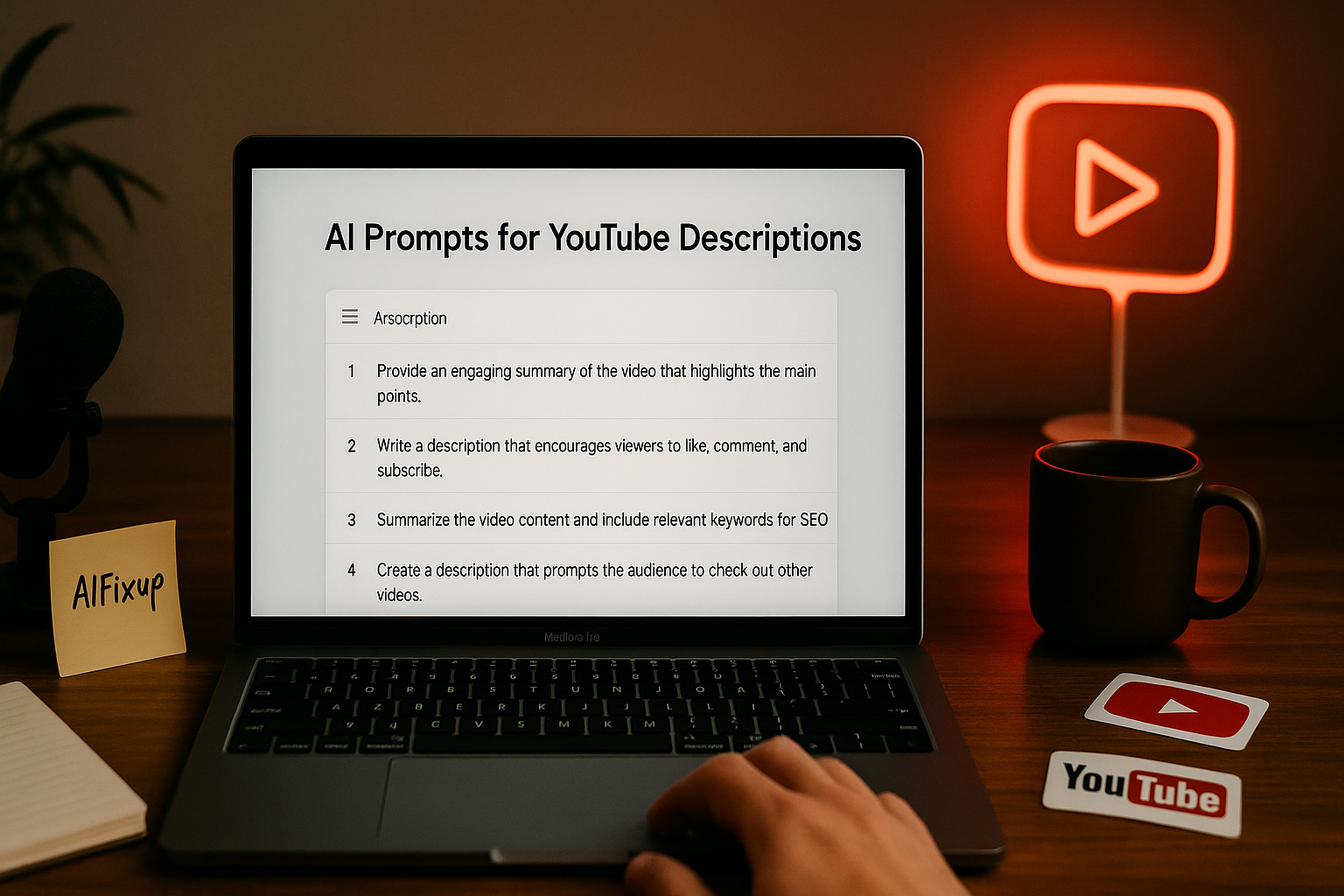
Boost your video visibility with these effective AI Prompts for YouTube Descriptions, designed to make your content more discoverable and engaging.
AI Prompts for YouTube Descriptions
Writing a YouTube description might seem like a small task — just a few lines, right? But as someone who’s spent a lot of time experimenting with content, I can confidently say that your description can make a big difference. It’s not just a summary. It’s a space where search engines, viewers, and the YouTube algorithm all look for clues. That’s exactly where AI prompts for YouTube descriptions can help.
These prompts are short instructions you give to an AI tool so it knows how to generate a clear, relevant, and optimized description. Instead of starting with a blank screen and typing whatever comes to mind, you’re guiding the AI to produce something that saves you time and fits your content perfectly. And the results? Often surprisingly good — and sometimes better than what you might come up with on your own.
Whether you’re a beginner or a seasoned creator, clear and optimized descriptions will help your videos reach more viewers. From better SEO to increased watch time, it’s one of those behind-the-scenes elements that adds real value. If you’re uploading regularly and want to grow, using well-crafted AI prompts for YouTube descriptions is not just helpful — it’s smart.
Here’s why paying attention to your video descriptions actually matters:
- 🔍 Improves Search Visibility
Descriptions filled with relevant keywords help your video appear in search results. - 📌 Clarifies Video Content
Viewers instantly understand what your video is about before hitting play. - 🧠 Boosts Viewer Retention
Helpful, clear descriptions increase the chance that viewers will watch longer. - 🌐 Adds Context for Algorithms
More detailed context = better recommendations and visibility. - ⏱️ Saves You Time
Once your prompt is ready, AI can deliver a full description in seconds.
In the next sections, I’ll guide you through practical techniques, prompt examples, and tips from personal experience to help you start creating better YouTube descriptions today.
✨ Before diving into AI Prompts for YouTube Descriptions, if you’re not yet familiar with how prompts work, we recommend checking out our [AI Prompt Guide for Beginners] first.
📚 Table of Contents
• 💡 Advantages
• 🧭 Wondering How to Begin?
• ✍️ Effective Prompt Techniques
• ✨ My Go-To Prompt Picks
• ⚠️ Common Pitfalls and How to Avoid Them
• 💬 User Experiences
• ❓ FAQ – AI Prompts for YouTube Descriptions
💡 Advantages
When I started using AI prompts in my content process, I quickly realized how much easier it made writing descriptions — especially when I was short on time or energy. Here’s what stood out the most.
| 🌟 Advantage | 🧭 How to |
|---|---|
| 🔍 Keyword Boost | Prompts help include the right keywords without overstuffing. |
| 📘 Clarity in Message | You get well-structured summaries of your video. |
| ⏱️ Time-Saving | You can generate solid drafts in seconds. |
| 🤖 Consistency | Helps keep your tone and message uniform across all uploads. |
| 📈 Algorithm Support | More relevant data for YouTube’s algorithm to work with. |
| 🧠 Creative Assistance | Generates ideas or phrases you might not have thought of. |
| 💡 Personalization | Can tailor descriptions for specific goals or audiences. |
A good description not only helps viewers — it helps you stand out in a crowded space.
🧭 Wondering How to Begin?
I’ve been there — staring at a blank description box, unsure where to start. The good news is, creating effective AI prompts for descriptions gets easier with a few simple steps.
1. 🧾 Define Your Video’s Goal
Is your video meant to teach, entertain, inspire, or inform? Knowing this makes your description more focused and helpful.
2. 👤 Identify Your Audience
Think of who you’re speaking to. A clear idea of your audience will help the AI use a tone and vocabulary that resonates.
3. 🔍 Include Core Keywords
Mention important keywords in your prompt, such as “budget travel tips” or “Photoshop for beginners.” These are vital for search engine visibility.
4. 🧭 Add Format and Length
If you want a short summary or a detailed paragraph, say so. AI works better when you include length preferences.
5. 📝 Use a Direct Instruction Style
Write prompts that start with clear commands like: “Write a short YouTube description for…” or “Generate a detailed description that includes…”
6. 🎯 Be Honest About the Content
Avoid exaggerating or misleading — this helps you stay trustworthy with your viewers and AI-generated copy.
7. 🔄 Tweak for Improvement
Once you get your first draft, you can make small edits. I often rewrite just a sentence or two, which saves time and improves quality.
Starting small and simple will take you further than trying to perfect it on the first try.
✍️ Effective Prompt Techniques
Let’s go through real-world prompts that work well. These are ideal starting points, and you can adapt them based on your channel or content style.
1. 🛠️ Tutorial Description Prompt
Great for educational content that teaches viewers a new skill.
• 📥 Prompt: Write a helpful YouTube description for a video tutorial on Excel formulas
• 📤 Output Insight: Explains what the viewer will learn and why it matters
• 📝 Sample Output: “In this step-by-step guide, you’ll learn how to use Excel formulas to save time and improve accuracy. Perfect for beginners and pros alike.”
2. 🎬 Storytime Video Prompt
Useful for narrative, lifestyle, or personal story content.
• 📥 Prompt: Generate a warm and personal YouTube description for a storytime video about moving to a new country
• 📤 Output Insight: Connects emotionally and sets the tone
• 📝 Sample Output: “In today’s video, I’m sharing the ups and downs of starting fresh in a new country. From culture shocks to personal growth, here’s what I experienced.”
3. 💡 Tips & Tricks Description
Ideal for content offering value-packed advice.
• 📥 Prompt: Write an engaging description for a video on productivity hacks for freelancers
• 📤 Output Insight: Highlights key takeaways and builds interest
• 📝 Sample Output: “Discover 5 powerful productivity hacks that have helped me stay focused as a freelancer. Easy to apply and designed for real-world results.”
4. 🧭 Travel Vlog Description
Perfect for adventure and lifestyle vloggers.
• 📥 Prompt: Create a travel vlog YouTube description for a day trip to Kyoto
• 📤 Output Insight: Gives viewers a quick preview of the journey
• 📝 Sample Output: “Come along with me as I explore the peaceful temples and hidden streets of Kyoto. A beautiful day filled with food, culture, and local gems.”
5. 📚 Educational Series Prompt
Best used for multi-part or serialized educational content.
• 📥 Prompt: Write a description for part 3 of a series on digital marketing basics
• 📤 Output Insight: Keeps viewers informed and encourages watching the full series
• 📝 Sample Output: “In Part 3 of our Digital Marketing Basics series, we dive into social media strategy. Don’t forget to check out Parts 1 and 2 if you missed them!”
6. 📦 Product Review Description
Use for unboxing, product reviews, or tech analysis.
• 📥 Prompt: Generate a professional YouTube description for a review of the iPhone 16
• 📤 Output Insight: Highlights features and provides value for curious viewers
• 📝 Sample Output: “Is the iPhone 16 worth the upgrade? In this video, I take a deep dive into the latest features, performance improvements, and whether it’s right for you.”
7. 🎧 Podcast Episode Prompt
Works well for long-form conversation or guest-based videos.
• 📥 Prompt: Write a description for a podcast episode featuring a conversation with a startup founder
• 📤 Output Insight: Adds professional context and key points from the discussion
• 📝 Sample Output: “In this episode, I chat with Sarah Lin, founder of EcoStart, about what it takes to build a sustainable business in 2025. Packed with insights and honesty.”
8. 🔄 Recap or Reflection Video
Best used for end-of-month, year-in-review, or milestone content.
• 📥 Prompt: Write a reflective YouTube description for a video looking back on 2024
• 📤 Output Insight: Offers closure and a personal tone
• 📝 Sample Output: “2024 was full of surprises — some challenging, some amazing. In this video, I reflect on the moments that shaped my year and what I’ve learned.”
✨ My Go-To Prompt Picks
Some prompts have become my favorites because they work consistently well. Here are three I rely on all the time when writing video descriptions.
1. 🔍 SEO-Optimized Prompt
Use this when I want a well-ranking description.
• 📥 Prompt: Write an SEO-friendly YouTube description using the keywords “AI tools for content creators” and “workflow automation”
• 📤 Output Insight: Balances keyword use with natural flow
• 📝 Sample Output: “Learn how AI tools for content creators can transform your workflow. From automation to creative brainstorming, this guide covers it all.”
2. ✨ Engaging & Short Prompt
When I need something quick but impactful.
• 📥 Prompt: Generate a short, catchy YouTube description for a lifestyle vlog about slow mornings
• 📤 Output Insight: Makes a strong impression in fewer words
• 📝 Sample Output: “Take a calm, mindful start to the day with me. A peaceful morning routine that helps set the right tone.”
3. 🧠 Educational Value Prompt
Ideal for how-to content or explainer videos.
• 📥 Prompt: Write an educational YouTube description about learning Python basics
• 📤 Output Insight: Informs and motivates learning
• 📝 Sample Output: “If you’re new to coding, this video walks you through the essentials of Python. Clear, simple, and beginner-friendly.”
⚠️ Common Pitfalls and How to Avoid Them
Even a great AI tool can’t do everything perfectly on its own. These are some common mistakes I’ve made — and what I learned from them.
| ⚠️ Mistake | 💡 How to Avoid |
|---|---|
| 🔄 Too Generic | Always include your specific video topic in the prompt. |
| ❌ Overstuffing Keywords | Ask for “natural” or “balanced” SEO use. |
| 🧊 Cold Tone | Mention the tone you want (warm, fun, professional). |
| 📉 No Call to Action | Ask AI to include a sentence like “Subscribe for more!” |
| 🧩 Forgetting Links | Remind the AI to reference linked content if needed. |
| 🗑️ Skipping Edits | Always tweak for voice, grammar, and context. |
💬 User Experiences
I’ve saved hours using these AI prompts. It feels like I have a co-writer helping me out.
— Jordan, YouTube Educator
The descriptions now sound more professional, and I’ve noticed more engagement since using them.
— Priya, Wellness Coach
I love how easy it is to get started. I used to skip the description box — not anymore!
— Marco, Travel Vlogger
❓ FAQ – AI Prompts for YouTube Descriptions
🧠 What are AI prompts for YouTube descriptions?
• They’re short instructions that guide AI to write helpful, keyword-rich video summaries.
🛠️ Do I need to use the same prompt each time?
• Not at all. Adjust your prompt depending on your video style and topic.
🔍 Can AI descriptions help my video rank better?
• Yes, especially when they include relevant keywords and phrases.
📈 How long should a YouTube description be?
• Between 150–300 words is ideal, but even a short, well-written one helps.
🧾 What tone should I use in my description?
• Match your channel’s personality — warm, informative, or casual.
🎯 Should I include hashtags in AI prompts?
• You can, or you can add them afterward. AI may or may not include them automatically.
🔗 Can the AI include my links or CTAs?
• Only if you tell it to — be clear in your prompt.
📦 How often should I update my prompts?
• Update anytime your content type, audience, or goals evolve.
🌟 Final Thoughts
AI prompts for YouTube descriptions might seem like a small upgrade, but they bring huge value when used consistently. They’ve helped me speed up my process, improve my SEO, and create a better experience for viewers — all while keeping things aligned with my voice.
🗣️ What Do You Think?
Have you tried using AI for your YouTube descriptions yet? Let me know how it’s going or drop your questions below — I’m always happy to help out.
📚 Related Guides
• AI Prompts for YouTube Series Posts
• AI Prompts for YouTube Tutorials
• AI Prompts for YouTube Livestreams
• AI Prompts for YouTube Reviews
📢 About the Author
At AIFixup, our team brings over 5 years of hands-on experience in conceptualizing, developing, and optimizing AI tools. Every piece of content you see on this platform is rooted in real-world expertise and a deep understanding of the AI landscape.
Beyond our public content, we also share exclusive insights and free prompt collections with our subscribers every week. If you’d like to receive these valuable resources directly in your inbox, simply subscribe to our Email Newsletter—you’ll find the sign-up form at the bottom right corner of this page.




Leave a comment