

Copilot AI Errors
The Copilot AI Errors category is designed to help users troubleshoot common issues encountered while using Microsoft Copilot and other Copilot-powered tools. From integration bugs and login failures to inaccurate code suggestions or UI malfunctions, this section provides clear and actionable solutions. Whether you’re a developer, writer, or business user, the posts here are crafted to explain what went wrong and how to fix it quickly. With step-by-step guides and practical advice, Copilot AI Errors aims to make your experience smoother and more productive by resolving problems before they disrupt your workflow.
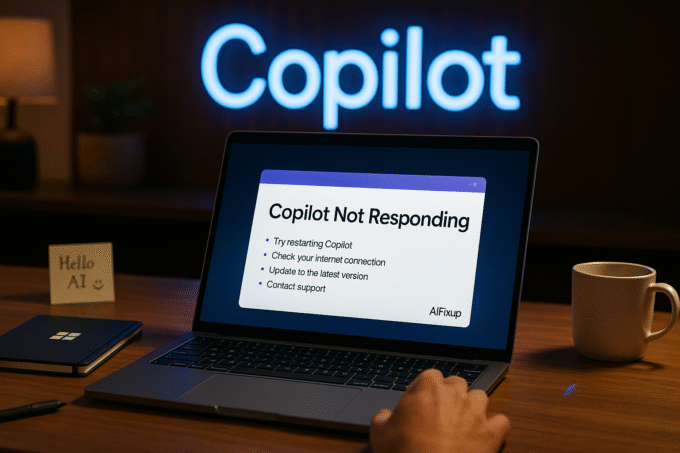
Copilot Not Responding | Fix
Seeing “Copilot Not Responding”? Learn what causes the issue and how to fix Microsoft Copilot across Word, Excel, Windows, and Edge in clear,...

Copilot Failed to Load | Fix
Getting the “Copilot Failed to Load” error? This in-depth guide explains common causes and step-by-step solutions to fix Microsoft Copilot loading problems across...

Copilot Authorization Error | Fix
Running into a “Copilot Authorization Error”? This clear guide helps you fix access problems, understand what causes them, and restore full Copilot functionality....
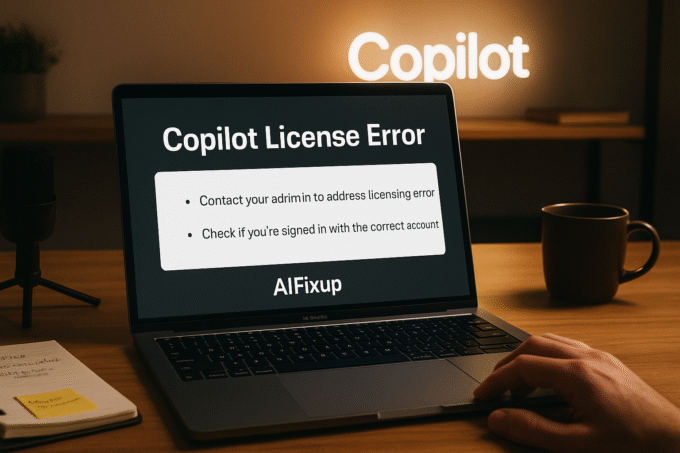
Copilot License Error | Fix
Seeing a “Copilot License Error”? This guide explains what it means, why it happens, and how to fix Microsoft Copilot license problems in...
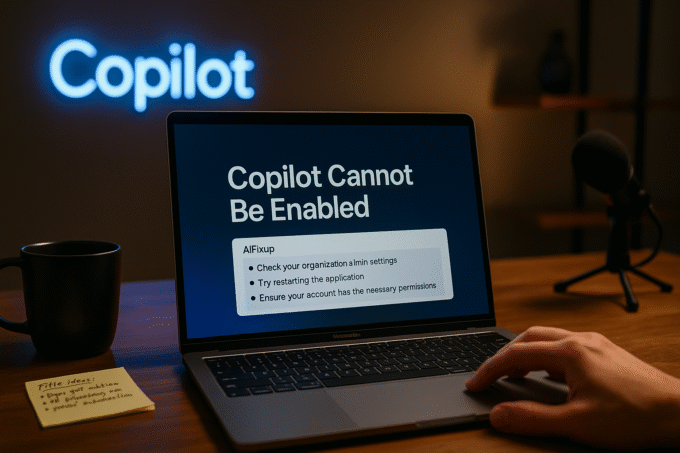
Copilot Cannot Be Enabled | Fix
If “Copilot Cannot Be Enabled” on your device, this guide explains why and shows exactly how to fix it across Microsoft 365, Windows,...
Copilot Not Showing in Office | Fix
Facing the “Copilot Not Showing in Office” problem? This guide explains clear reasons and step-by-step solutions to restore Microsoft Copilot in Word, Excel,...
Copilot Not Opening | Fix
If you’re facing the “Copilot Not Opening” issue, this guide offers clear reasons, tested solutions, and expert-level fixes to help restore Microsoft Copilot...

Copilot Not Working | Fix
Struggling with “Copilot Not Working”? This guide explains common causes, simple fixes, and expert solutions to get Microsoft Copilot running again. What Is...


