


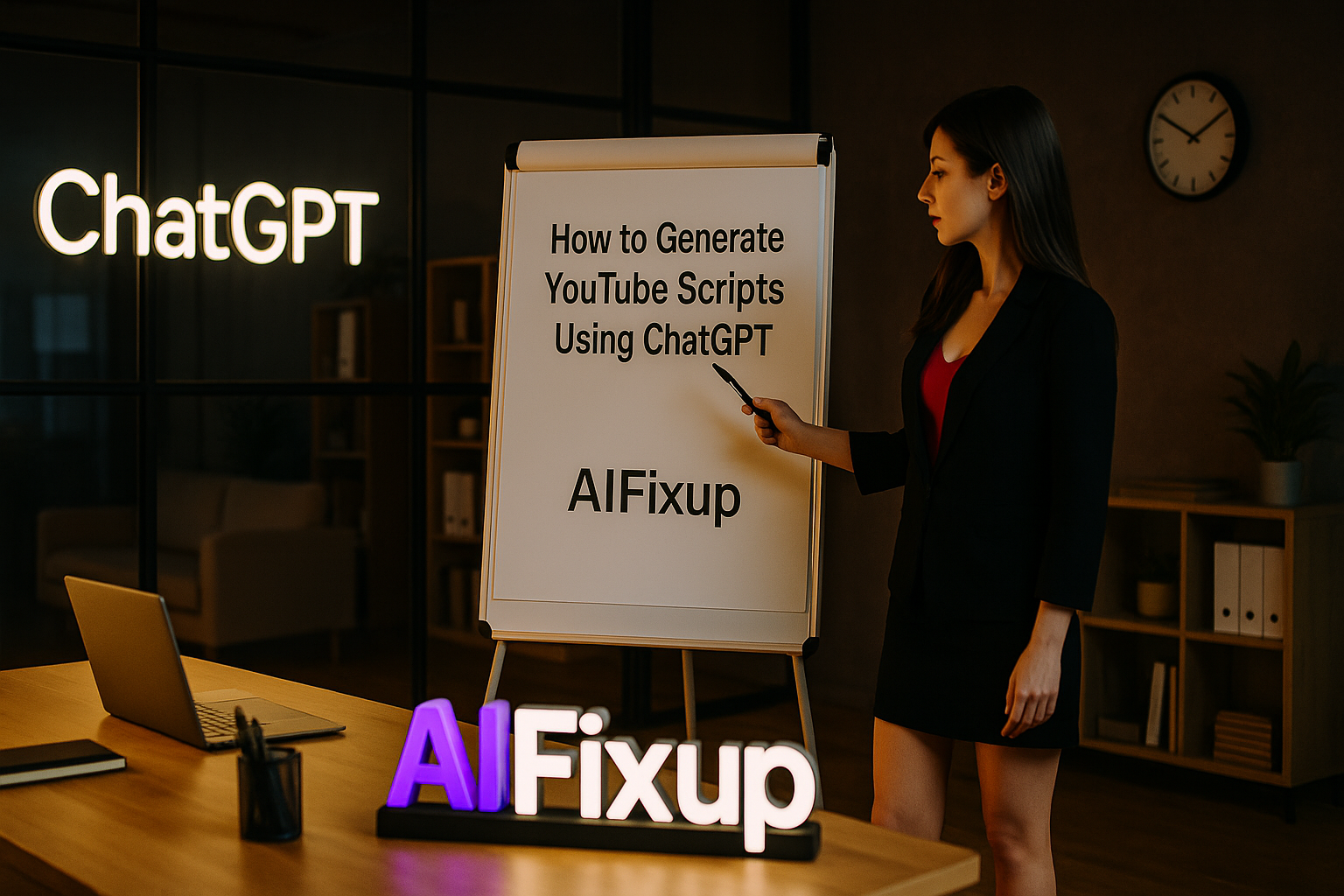
Learn how to generate YouTube scripts using ChatGPT that are clear, engaging, and aligned with your brand—perfect for growing your channel effortlessly.
How to Generate YouTube Scripts Using ChatGPT
Writing YouTube scripts can be both exciting and frustrating. You want to deliver content that keeps your audience hooked from the first second—but getting your thoughts structured, paced, and naturally conversational is not always easy. That’s where learning how to generate YouTube scripts using ChatGPT becomes incredibly helpful.
ChatGPT acts like a creative partner. Whether you need a full script, a catchy intro, or just help outlining your ideas, it can streamline the entire writing process. You stay in control of the message and tone—ChatGPT just helps you deliver it smoothly.
Here’s why creators of all sizes are learning how to generate YouTube scripts using ChatGPT:
- ⏱️ Save Time: Write full scripts in minutes
- 🧠 Organized Structure: Keep content flowing from intro to CTA
- 🗣️ Natural Tone: Sound human, clear, and brand-aligned
- 💡 Creative Boost: Overcome writer’s block and test new formats
- 📢 Engagement Focused: Keep viewer attention with hooks and pacing
If you’ve ever stared at a blinking cursor before filming, this method will help you move forward with clarity and confidence.
📚 Table of Contents
• 💡 Advantages
• 🧭 Wondering How to Begin?
• ✍️ Effective Prompt Techniques
• 🧷 My Go-To Prompt Picks
• ⚠️ Common Pitfalls and How to Avoid Them
• ❓ SSS – How to Generate YouTube Scripts Using ChatGPT
• 💬 User Experiences
💡 Advantages
When I started learning how to generate YouTube scripts using ChatGPT, the biggest shift was how fast I could go from idea to recording. It made content creation feel lighter, more fun—and way more consistent.
| 🌟 Advantage | 🧭 How to |
|---|---|
| 🧭 Clear Flow | Easily structure videos with intro, main points, and wrap-up |
| ✍️ Script Drafting | Get a polished draft ready for recording or editing |
| 🎯 Tone Control | Match your brand’s personality—casual, expert, or entertaining |
| 💬 Better Hooks | Craft powerful intros that grab attention fast |
| 🔁 Reusable Framework | Turn winning formats into repeatable templates |
🧭 Wondering How to Begin?
When I first sat down to generate my script with ChatGPT, I made the mistake of being too vague. But once I learned how to be specific about topic, audience, and tone, everything clicked into place. ChatGPT works best when you treat it like a collaborator—give it direction, and it gives you gold.
Here’s the simple method I use every time I need a script that works on screen and resonates with viewers.
1. 🎯 Define the Video Type and Audience
Start by explaining what kind of video you’re making and who it’s for.
Prompt:
“I want to make a 5-minute explainer video on productivity habits for remote workers. My audience is young professionals between 25 and 35. Tone: friendly, practical, and slightly humorous.”
This gives ChatGPT the context it needs.
2. 📋 Outline the Key Talking Points
Either write out the main points yourself or ask ChatGPT to suggest them.
Prompt:
“Suggest 5 talking points for this video, ordered for best flow. Add a one-line summary under each.”
Use this outline as the skeleton for your script.
3. ✍️ Ask for a Full Script
Now you can ask ChatGPT to turn the outline into a complete script.
Prompt:
“Turn the outline into a 5-minute video script. Include intro, smooth transitions between points, and a closing call to action.”
You can also request timestamps if you’re using a teleprompter or editor.
4. 🧠 Customize Tone and Style
Want to sound like a friend? A teacher? A coach? Ask for that.
Prompt:
“Rewrite the intro to be more enthusiastic and use second-person language to speak directly to the viewer.”
You can also experiment with styles: narrative, listicle, Q&A, tutorial, or story-based.
5. 🔄 Build Reusable Templates
Once you’ve got a format that works, ask ChatGPT to turn it into a plug-and-play template.
Prompt:
“Create a reusable YouTube script template for tutorial videos. Include prompts for each section I can fill in.”
✍️ Effective Prompt Techniques
Learning how to generate YouTube scripts using ChatGPT becomes easier when you use the right prompts. Here are five prompt styles that consistently deliver strong, screen-ready content.
1. 🧠 Hook-Driven Script Intro
• 📥 Prompt: “Write an engaging intro for a video on ‘how to stay focused while working from home.’ Hook the viewer in the first 10 seconds.”
• 📤 Output Insight: Helps you grab attention before your audience scrolls away.
• 📝 Sample Output: “Ever feel like your to-do list is growing faster than your focus? Let’s fix that—today, I’ll share 5 focus-boosting tricks that actually work.”
2. 📋 Full Script Format
• 📥 Prompt: “Write a full 5-minute script for a video titled ‘Beginner’s Guide to Time Blocking.’ Use an expert yet friendly tone.”
• 📤 Output Insight: Gives a complete draft from start to CTA.
• 📝 Sample Output: Includes sections like:
“Hi, I’m [Name], and if you’re always running out of time, this is for you…”
→ “First, let’s define time blocking…”
→ “Now here’s how to build your first schedule…”
3. 🧩 Modular Script Sections
• 📥 Prompt: “Write just the CTA section for a video on healthy eating tips. Encourage viewers to comment and download a free PDF.”
• 📤 Output Insight: Lets you refine parts of your script piece by piece.
• 📝 Sample Output: “If today’s tips helped you, let me know in the comments! And don’t forget to grab your free meal planning guide—it’s linked below.”
4. 🗣️ Dialogue-Based Script
• 📥 Prompt: “Create a two-person dialogue script for a video explaining AI tools. Make it conversational, fun, and educational.”
• 📤 Output Insight: Adds energy and variety to educational videos.
• 📝 Sample Output:
Person A: “What even is AI, really?”
Person B: “Great question! Think of it like a digital brain that learns patterns…”
5. 🎙️ Podcast-Style Monologue
• 📥 Prompt: “Write a casual, unscripted-sounding script for a vlog about building confidence. Keep it reflective, honest, and supportive.”
• 📤 Output Insight: Perfect for creators who want authenticity without rambling.
• 📝 Sample Output: “Confidence isn’t something you wake up with—it’s something you practice, day by day. And I know that because I’ve been there…”
🧷 My Go-To Prompt Picks
Here are the top three prompts I keep coming back to when creating video content for YouTube. These have worked for tutorials, vlogs, explainer videos, and personal stories alike.
1. 📈 YouTube Educational Script
• 📥 Prompt: “Write a full script for a 6-minute video explaining ‘How to Use ChatGPT for Research.’ Include intro, 3 tips, and a summary CTA.”
• 📤 Output Insight: Great for creators offering value-based content.
• 📝 Sample Output: Includes strong opening line, segmented tips, and smooth flow.
2. 🎥 Product Review Script
• 📥 Prompt: “Write a YouTube script reviewing the Sony ZV-1 camera. Mention pros, cons, and ideal user. Tone: helpful, relatable, and concise.”
• 📤 Output Insight: Perfect for affiliate marketing or product-based videos.
• 📝 Sample Output: “If you’re a beginner content creator looking for an affordable, high-quality camera, the ZV-1 might be your best friend.”
3. 📝 Story-Based Tutorial
• 📥 Prompt: “Write a YouTube script teaching how to overcome procrastination, using a short personal story followed by 3 tips.”
• 📤 Output Insight: Adds emotional connection and flow.
• 📝 Sample Output: “I used to hit snooze five times before doing anything productive. But then I discovered a method that actually works…”
⚠️ Common Pitfalls and How to Avoid Them
Even with the best tools, mistakes happen. Here are a few common ones when generating YouTube scripts with ChatGPT—and how to avoid them:
| ⚠️ Mistake | 💡 How to Avoid |
|---|---|
| 🤖 Robotic Tone | Use conversational prompts and ask for second-person language |
| 📏 Overlength Scripts | Set a word count or video time in your prompt |
| 🔁 Repetitive Phrasing | Ask ChatGPT to rewrite or refresh sections |
| 📣 Weak Hooks | Ask for multiple intro options to A/B test |
| 🧩 Poor Flow | Outline your structure clearly before asking for a full draft |
❓ FAQ – How to Generate YouTube Scripts Using ChatGPT
🎥 Can ChatGPT write YouTube scripts from scratch?
• Yes—just give it a topic, audience, and tone to start with.
🗣️ Will it sound like me?
• You can train the voice by sharing examples or editing the final draft.
📋 Can I use it for short-form and long-form scripts?
• Absolutely. Just specify the video length and format.
🎯 Can it help me brainstorm content ideas too?
• Yes—ask for video topic ideas based on your niche or audience.
🎤 What if I want a casual vlog tone?
• Request a relaxed, unscripted style using personal language.
🧠 Is this allowed under YouTube’s content guidelines?
• Yes. ChatGPT helps with writing—it doesn’t generate copyrighted video.
📢 Can it create scripts with CTAs and branding?
• Definitely—ask it to include specific sign-offs or promo mentions.
🧩 Can I break the script into chapters?
• Yes—just ask for time-stamped sections or segment headers.
💬 User Experiences
Writing used to take me longer than filming. Now I draft full scripts in 15 minutes with ChatGPT.
— Alex, Tech YouTuber
I love how natural my intros sound now. ChatGPT helped me write hooks that actually keep viewers watching.
— Mia, Lifestyle Vlogger
I use ChatGPT to outline and script every tutorial—it’s like having a writing assistant on call.
— Sam, Productivity Creator
🌟 Final Thoughts
Once you learn how to generate YouTube scripts using ChatGPT, content creation becomes faster, smoother, and more fun. You stay in charge of your voice and message—while ChatGPT helps you stay structured, creative, and on track.
🗣️ What Do You Think?
Are you already using ChatGPT for your YouTube workflow? Drop your favorite prompts or questions below—and let’s build better videos together.
📚 Related Guides
• How to Plan Online Courses Using ChatGPT
• How to Write Product Descriptions with ChatGPT
• How to Use ChatGPT for Cold Emails
• How to Use ChatGPT for Keyword Research
📢 About the Author
At AIFixup, our team brings over 5 years of hands-on experience in conceptualizing, developing, and optimizing AI tools. Every piece of content you see on this platform is rooted in real-world expertise and a deep understanding of the AI landscape.
Beyond our public content, we also share exclusive insights and free prompt collections with our subscribers every week. If you’d like to receive these valuable resources directly in your inbox, simply subscribe to our Email Newsletter—you’ll find the sign-up form at the bottom right corner of this page.








Leave a comment