


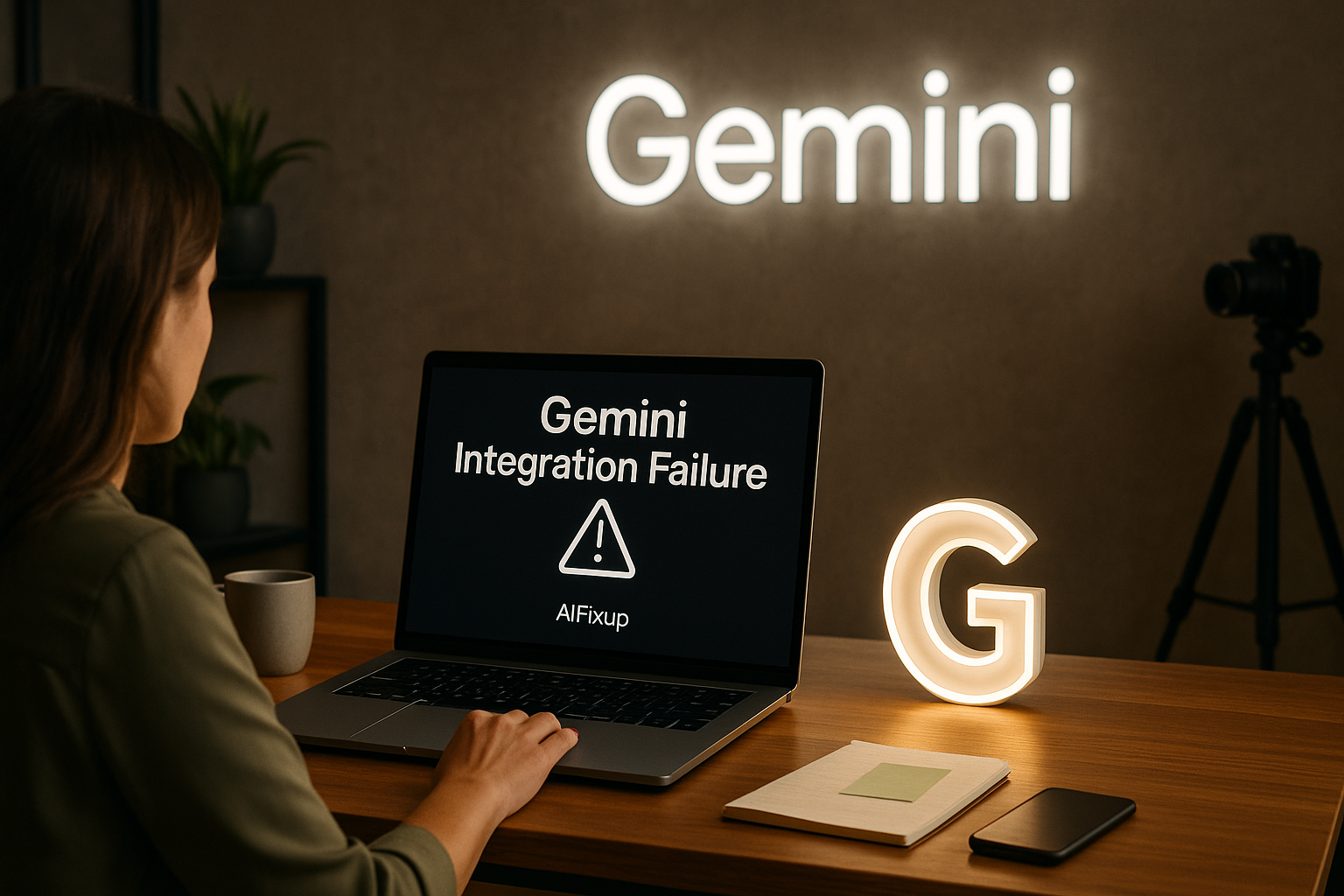
Gemini Integration Failure can break workflows and productivity—understand why it happens and how to resolve it with clear, step-by-step guidance.
🧠 What Is the Gemini Integration Failure Issue?
If you’ve ever tried to connect Gemini with another tool—like Google Drive, Gmail, or a third-party platform—and it simply doesn’t work, you’re likely experiencing what’s known as a Gemini Integration Failure. This issue appears when Gemini cannot properly connect, sync, or share data with other apps, services, or extensions that it’s designed to integrate with.
In many cases, integration failures may not produce a clear error message. You may just notice that certain actions don’t complete, files don’t sync, or connected apps behave inconsistently. Whether you’re working on the web or in the mobile app, this type of failure can quietly disrupt productivity without a clear reason why.
Fortunately, these issues are often rooted in very specific and fixable causes. Whether it’s a permissions problem, outdated software, or a misconfigured setting, once the source is identified, most integration errors can be resolved quickly.
Here’s why it’s important to fix this:
🔗 Breaks Cross-Platform Functionality: Integration is essential for seamless workflows.
🛠️ Limits Gemini’s Core Capabilities: Many of its most powerful tools rely on external service access.
📤 Blocks File Sharing or Automation: When integrations fail, so do uploads, syncs, and triggers.
📱 Affects Mobile and Desktop Environments: Failures are not platform-specific.
🔒 May Indicate Permission or Security Errors: Improper access can trigger silent failures.
Let’s take a closer look at the most frequent reasons Gemini integrations fail.
📚 Table of Contents
• 🔍 Most Common Causes of Gemini Integration Failure
• 🛠️ How to Fix Gemini Integration Failure
• 🧪 Advanced Troubleshooting Tips
• 💬 User Experiences
• ❓ FAQ – Gemini Integration Failure
• 📚 Related Guides
🔍 Most Common Causes of Gemini Integration Failure
Below is a table highlighting the most frequent triggers of integration issues within Gemini. These can apply whether you’re connecting to native Google apps or external third-party platforms.
| ⚠️ Problem Title | 💬 Explanation |
|---|---|
| 🔐 Insufficient App Permissions | Gemini may not have access to the service it’s trying to integrate with. |
| 🔄 Expired or Revoked OAuth Tokens | Authentication tokens can time out or be invalidated. |
| 🧩 Incompatible API or Service Version | Third-party APIs may change or deprecate without Gemini catching up. |
| 🧹 Corrupted Cache or Session Data | Old data in your browser or app can block successful authentication. |
| 🔄 Duplicate Account Logins | Being logged into multiple accounts can confuse token assignment. |
| 🔒 Security or Firewall Restrictions | Local or network-level firewalls may block API requests or connections. |
| 📲 Outdated App or Extension | Older versions of Gemini or connected tools may not support new integration logic. |
| 🧠 Incorrect Workspace Configuration | In enterprise setups, admin settings may restrict integration functions. |
| 🌐 Network Instability or Timeout | Unstable networks can interrupt connection handshakes. |
| 🛠️ Feature Rollout Delays | Some integrations may be region-locked or phased in gradually. |
🛠️ How to Fix Gemini Integration Failure
If you’re encountering a Gemini Integration Failure, the following steps can help you resolve the problem without needing advanced technical knowledge. Each method targets a different root cause, so try them one at a time.
1. 🔐 Reauthorize Third-Party Access
🧠 Why it works:
Revoking and granting permission again can reset token-based access.
📌 How to do it:
• Go to your Google Account > Security > Third-party apps
• Revoke Gemini’s access to connected services
• Open Gemini again and reauthorize integrations
2. 🧹 Clear Cache and Sign Out
🧠 Why it works:
Old session data may contain expired credentials that interrupt integrations.
📌 How to do it:
• Sign out of Gemini completely
• Clear your browser or app cache
• Sign back in and reconnect external services
3. 🧩 Update All Connected Apps
🧠 Why it works:
Outdated platforms may reject or block Gemini’s integration attempts.
📌 How to do it:
• Check for updates to Gemini and all third-party apps
• Install the latest versions
• Retry the integration process
4. 🔄 Use a Single Login Across Tabs
🧠 Why it works:
Having multiple Google accounts signed in can cause token conflicts.
📌 How to do it:
• Sign out of all accounts
• Sign in only with the account that owns the integration
• Access Gemini and reconnect the app
5. 🌐 Test Your Network Connection
🧠 Why it works:
Poor connectivity can interrupt authentication and cause timeouts.
📌 How to do it:
• Run a speed test to confirm stability
• Switch from Wi-Fi to mobile data or vice versa
• Reattempt Gemini integration
6. 🔧 Check Admin and Security Settings
🧠 Why it works:
Workspace admins may restrict Gemini’s ability to connect with services.
📌 How to do it:
• Contact your Google Workspace admin
• Ask them to review Gemini integration permissions
• Confirm allowed scopes and app access
7. 📤 Enable Third-Party Access in Google Settings
🧠 Why it works:
Gemini needs permission to share and retrieve data from other apps.
📌 How to do it:
• Visit Google Account > Data & Privacy > Apps with Access
• Enable “Allow less secure apps” if required
• Reconnect the service in Gemini
8. 🧠 Disable VPN or Proxy Temporarily
🧠 Why it works:
VPNs can disrupt connection routing between Gemini and external APIs.
📌 How to do it:
• Turn off any VPN or proxy connection
• Try to initiate the integration again
• Monitor for successful syncing
9. 🛠️ Restart the Integration Process
🧠 Why it works:
Re-adding the integration can often reestablish lost or corrupted connections.
📌 How to do it:
• Remove the service from Gemini’s integrations
• Restart your device
• Add the integration again from scratch
10. 💻 Try on a Different Device or Browser
🧠 Why it works:
Browser-specific issues or local settings can affect integration performance.
📌 How to do it:
• Open Gemini in a different browser (Chrome, Edge, Firefox)
• Or try on a different computer or mobile device
• Test integration from there
🧪 Advanced Troubleshooting Tips
If basic fixes don’t work, try these deeper methods to diagnose persistent Gemini Integration Failure issues.
1. 🔍 Check Browser DevTools for API Errors
🧠 Why it works:
Developer tools show exact API call failures during integration attempts.
📌 How to do it:
• Open Chrome DevTools (F12) > Network tab
• Try integration again
• Watch for red lines or failed requests (status codes like 403 or 500)
2. 🔧 Inspect OAuth Scopes and Tokens
🧠 Why it works:
Missing scopes can silently block required features.
📌 How to do it:
• Use Google’s OAuth Playground to inspect granted scopes
• Recheck permissions granted during Gemini sign-in
• Ensure the service is listed with correct access
3. 🌐 Reset Your DNS Configuration
🧠 Why it works:
Bad DNS entries may misroute Gemini’s calls to third-party servers.
📌 How to do it:
• Use Google DNS: 8.8.8.8 and 8.8.4.4
• Restart your internet connection
• Retry the integration
4. 🧭 Review Workspace OAuth Policies
🧠 Why it works:
Admins may limit integrations by default through organizational policies.
📌 How to do it:
• Access the Google Admin Console (admin rights required)
• Navigate to Apps > Additional Services > Gemini
• Allow trusted third-party integrations
💬 User Experiences
I couldn’t get Gemini to link with Google Calendar. Reauthorizing access and clearing my cache fixed it in less than five minutes.
— Amina, Project Coordinator
I was trying to use Gemini with Trello, but nothing worked. It turned out my VPN was the issue. After disabling it, the integration worked perfectly.
— Daniel, Freelance Consultant
Our admin had disabled certain scopes. Once those were adjusted, Gemini was able to connect with all tools again.
— Erica, IT Administrator
❓ FAQ – Gemini Integration Failure
🔌 Why does Gemini fail to connect with other apps?
• It’s usually due to permission issues, outdated versions, or blocked tokens.
🔐 Is this a security problem?
• Sometimes. Firewalls, VPNs, or admin settings can restrict integrations for safety.
🧩 Why do integrations work on one device but not another?
• Local cache, browser settings, or account conflicts may vary across devices.
🔁 Does signing out help resolve integration issues?
• Yes. Fresh sessions clear expired tokens and often resolve connection failures.
📤 Do I need to reinstall Gemini to fix this?
• Not usually. A cache clear or reauthorization is often enough.
📱 Are integrations limited on mobile?
• Some integrations may only work fully on desktop. Check Gemini’s platform guidelines.
🌐 Can my internet connection cause the failure?
• Yes. Network timeouts or DNS errors can interrupt API calls during integration.
🧠 Who should I contact if nothing works?
• Contact Gemini support or your Google Workspace admin for account-level assistance.
🗣️ What Do You Think?
Gemini Integration Failure can be incredibly frustrating, especially when you rely on automated workflows and app connections. But with the right steps, it’s almost always fixable. If you’ve found another method that worked for you, or if you need help with any of the above steps, feel free to share your experience.
📚 Related Guides
• Gemini Crashing on Launch
• Gemini Login Loop
• Gemini Something Went Wrong Error
• Gemini Network Error
📢 About the Author
At AIFixup, our team brings over 5 years of hands-on experience in conceptualizing, developing, and optimizing AI tools. Every piece of content you see on this platform is rooted in real-world expertise and a deep understanding of the AI landscape.
Beyond our public content, we also share exclusive insights and free prompt collections with our subscribers every week. If you’d like to receive these valuable resources directly in your inbox, simply subscribe to our Email Newsletter—you’ll find the sign-up form at the bottom right corner of this page.









Leave a comment